Sent
The delivery path reports transmission or handoff. Network RAW and installed queue paths can finish here; the result does not establish that a physical label left the printer.
Daily label operations
Start with the current operation, follow a service or request, and inspect the recorded result. Bring the destination, values and label version into the same investigation.
Start the shift
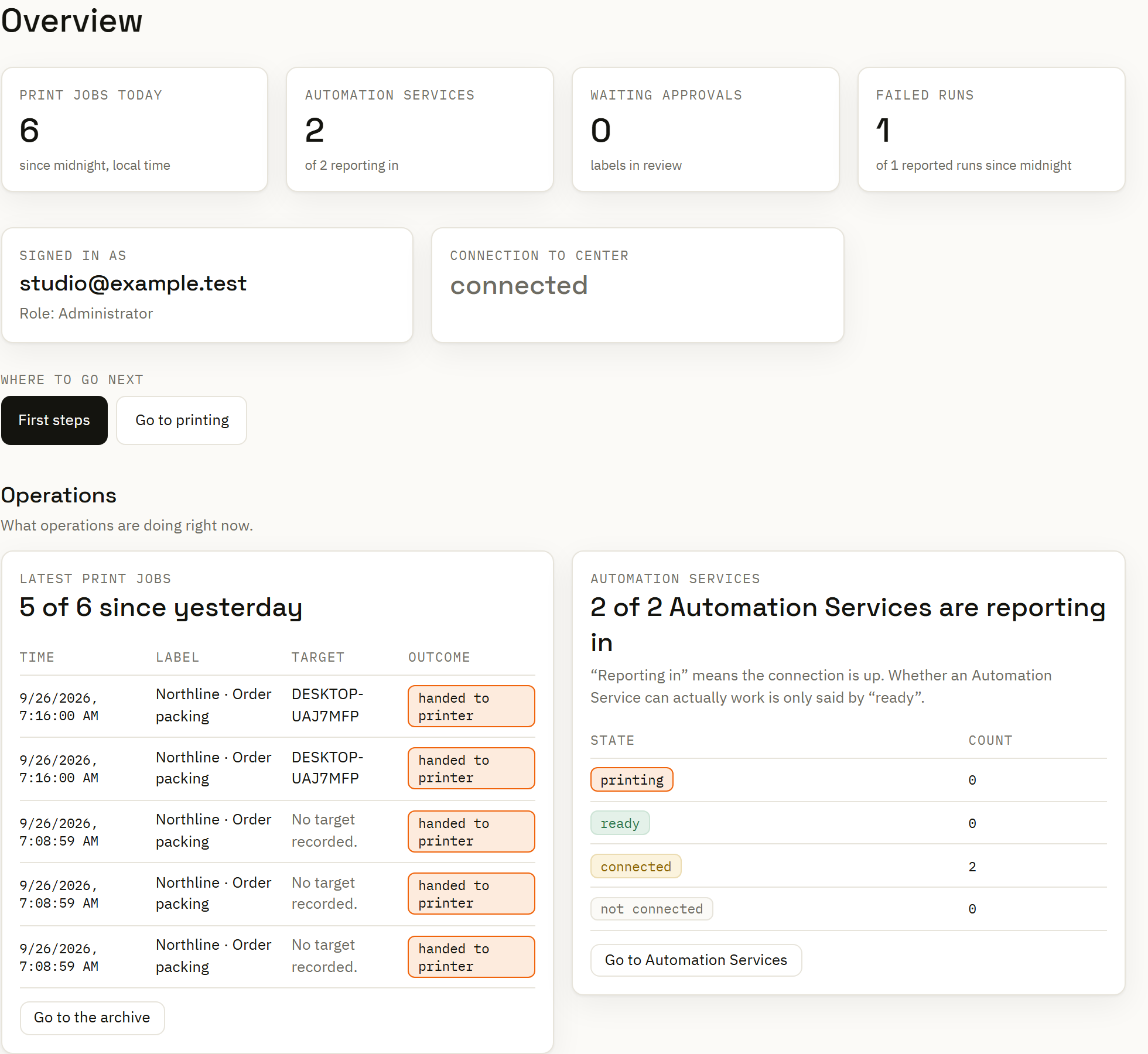
The Center overview brings operational counts and current activity together. Open the relevant service, deployment or archive view when a request needs a closer look.
At the service, inspect connection state, queue activity and the configuration actually applied. At the destination, check the configured printer path and the status information that path reports.
This gives the team a place to begin without treating every printer connection as a full device-health or consumables feed.
Read the outcome precisely
The delivery path reports transmission or handoff. Network RAW and installed queue paths can finish here; the result does not establish that a physical label left the printer.
The configured endpoint returned a supported acknowledgement. Read that in the context of the endpoint and its protocol; an acknowledgement is not a label-quality inspection.
The system cannot establish the print outcome. Inspect the request and destination before deciding whether another attempt is appropriate.
Follow the local service
A service may be connected while a requested configuration still needs attention. Desired and applied state let support distinguish communication from completed distribution.
Queue information and recent messages help locate work at the site. For an automated batch, inspect the automation run as well: a completed print node can mean the job was queued while delivery continued separately.
Explore Automation Service operation →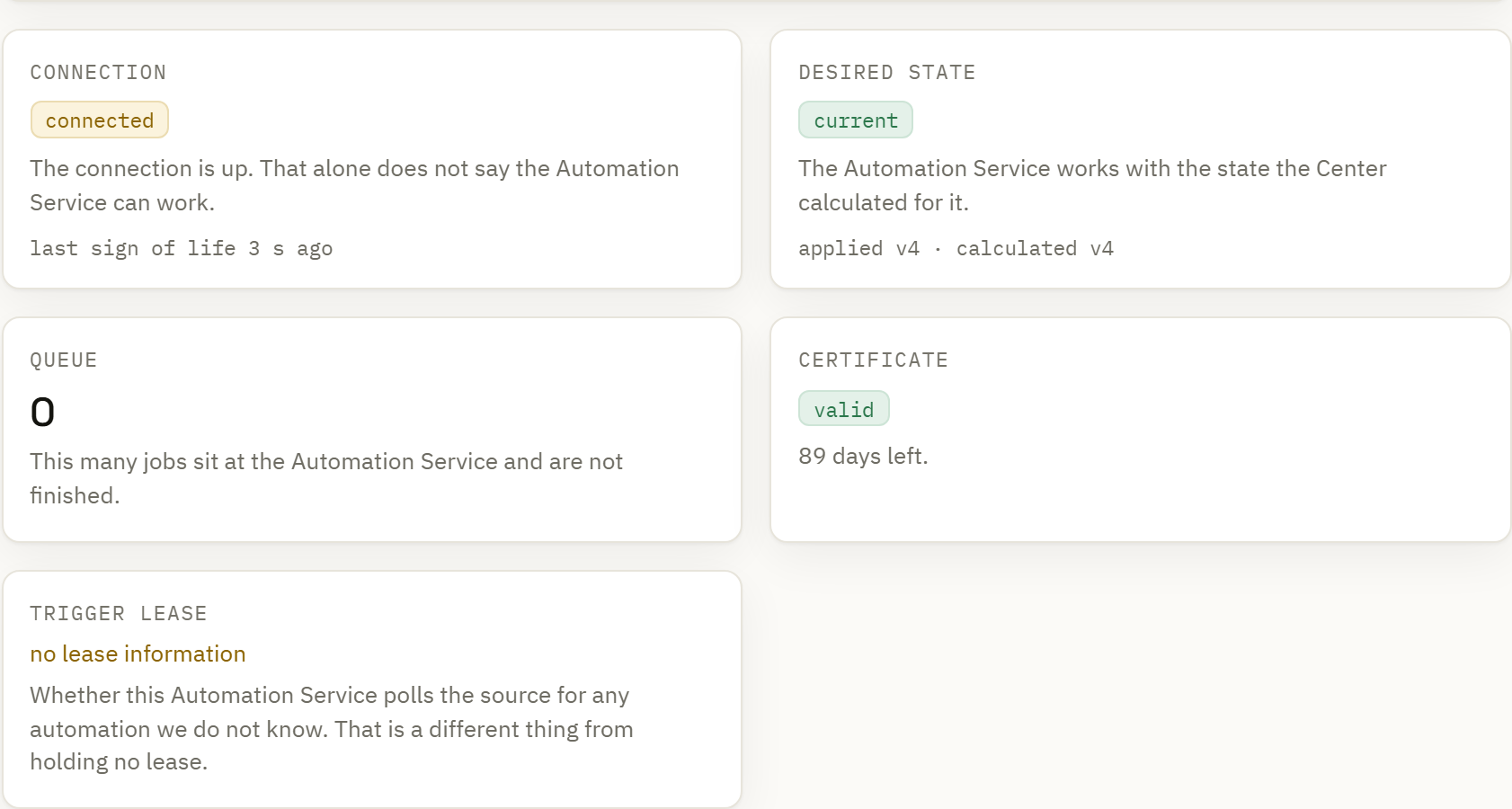
Print archive
Open a recorded request to inspect its label reference, submitted values, destination and outcome. The archive preserves the print record while the design continues to evolve.
The version view identifies the label version associated with the request. That distinction matters when someone has already changed the current document.
Use the separate audit log for the actor, time and object behind configuration changes. Print history and change history answer complementary questions.
Investigate a label-printing question →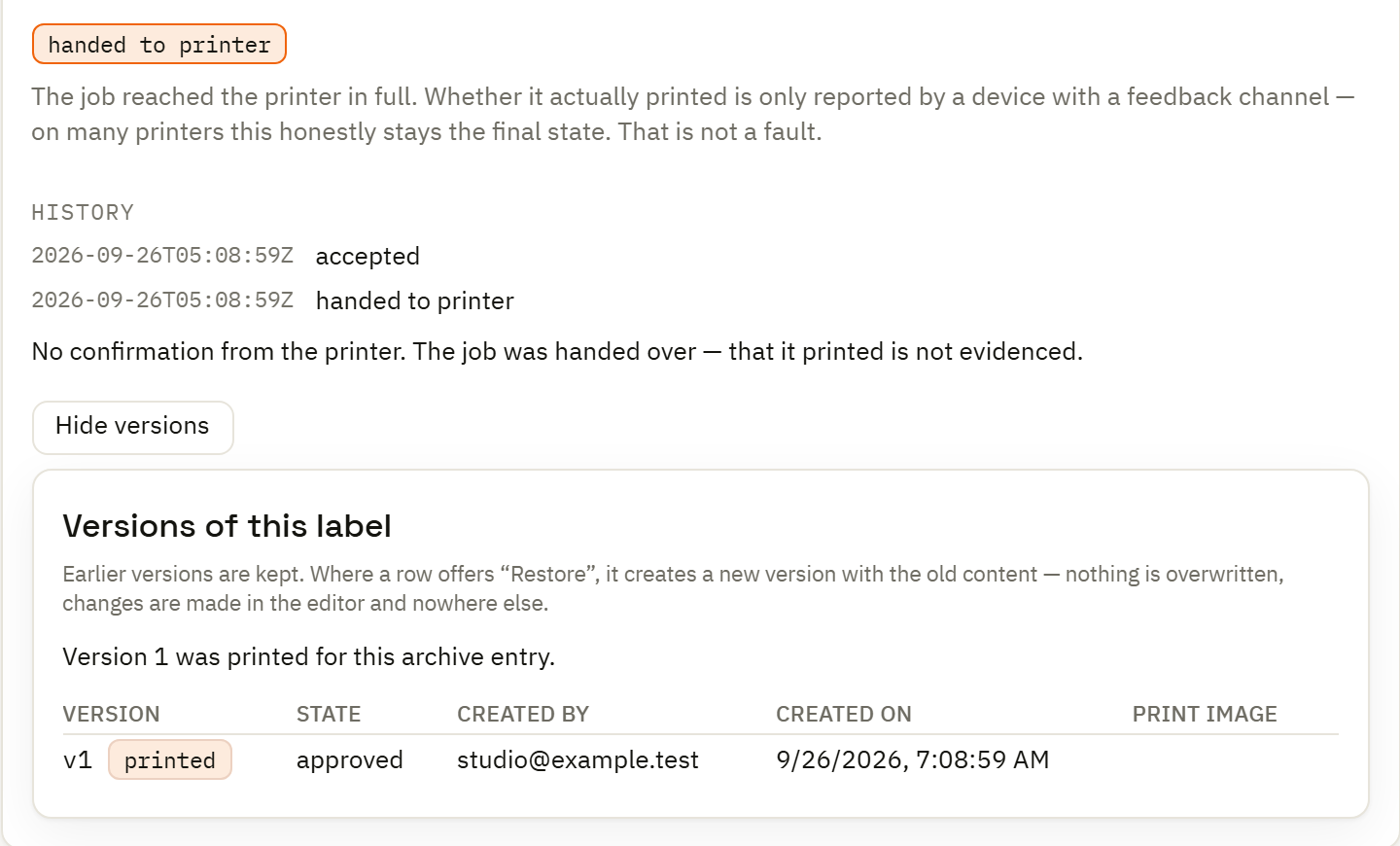
Use the time, label or job identity to find the relevant activity and archive entry.
Check the requested values, destination, version and reported result. Follow the related service or automation if the issue began upstream.
Resolve missing input or configuration and assess an uncertain delivery before resubmitting. A new request is a new operational action.