Shared sequence ownership
Choose which labels use the same sequence and which require independent ranges. Keep those decisions explicit as designs and lines change.
Counters and serialization
Connect a maintained counter to the label values used by each job. Allocate blocks to local services and keep number assignment, rendering and the reported print outcome connected.
A number belongs to the job
Center counter sequences are resources with their own state. A label references the sequence, so revising or archiving the layout does not reset the counter.
The Runner receives allocated blocks and persists its supply and assignments with the local queue. When a numbered job is retried under its existing identity, the assigned number stays associated with that job.
Use the allocated value in text or barcode content, and apply the formatting and check-digit rules required by the identifier.
Apply numbering to a pallet-label workflow →Create the counter used by the operation and reference it from the label's counter variable.
The service receives a range it can use. Persisted allocation lets it continue within its available supply.
The job receives its value before rendering. The resulting label and submitted job values can be inspected together.
Counter consumption can accompany sent or confirmed archive records, alongside the label reference and destination.
Plan the operational rules
Choose which labels use the same sequence and which require independent ranges. Keep those decisions explicit as designs and lines change.
Include block size and replenishment in the site's connectivity plan. Offline use depends on already allocated numbers and the other local resources the job needs.
Allocated blocks can leave unused numbers, and unused remainder is not returned. The allocated mode supports gaps; a sequence gap alone does not tell you whether a physical label is missing.
Recorded job context
Use the print archive to inspect the values, label version, destination and delivery state associated with a request. Where counter data is recorded, read it in that job context.
An assigned number, a transmitted job and a confirmed endpoint response describe different events. For an uncertain print outcome, investigate before creating another request.
Explore print history and recovery →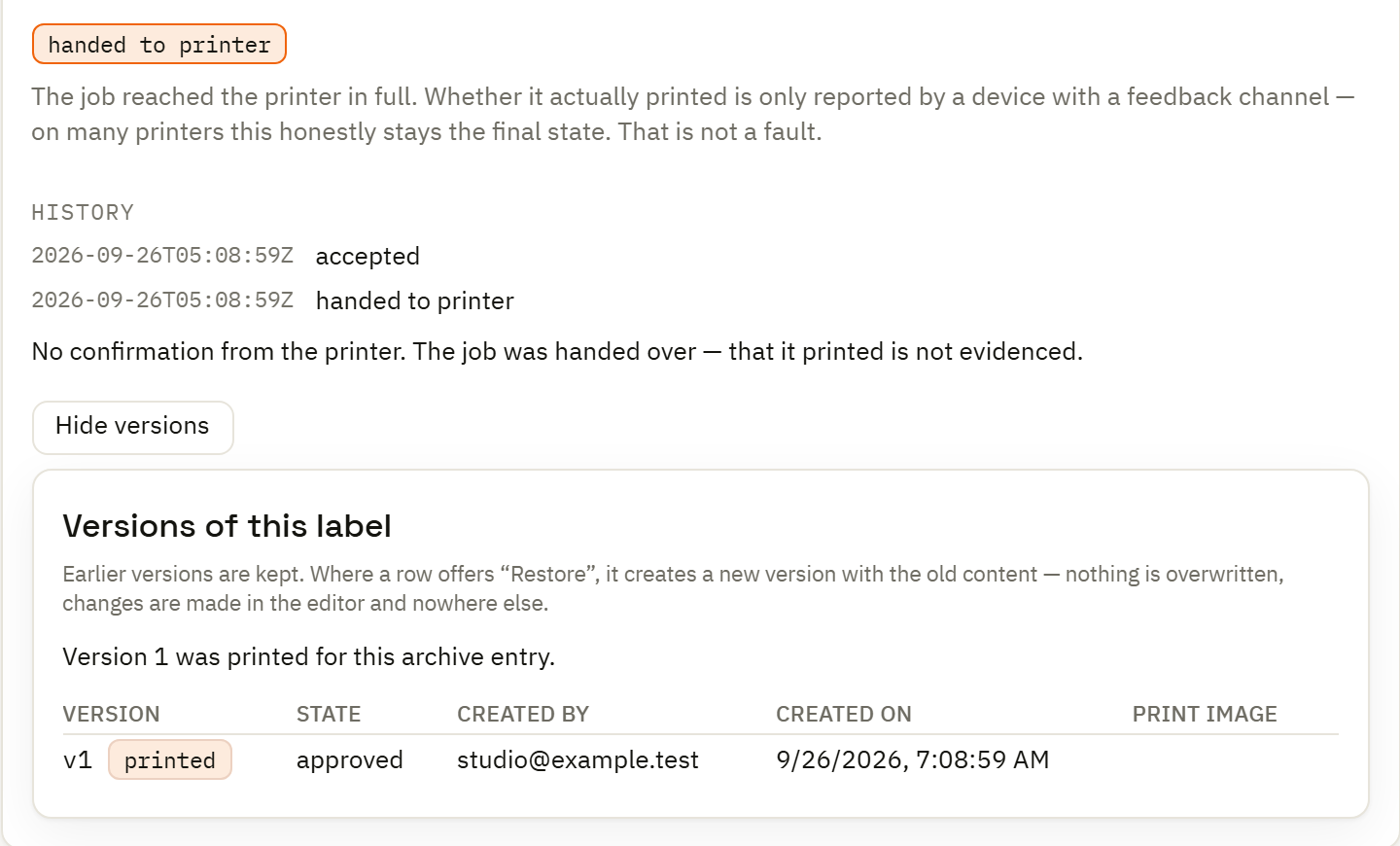
For GS1 or SSCC labels, use the identifiers and company-owned values appropriate to your operation, then check lengths, application identifiers, check digits and encoded content. A template or a scanning barcode alone does not establish acceptance by the receiving organization.
Choose the intended media and printer path and inspect a controlled output sample as part of that review.
Build and inspect the label →